01
Learn the foundations
Understand sources, answer quality, boundaries and the first workflow worth testing.
Read the buyer’s guide →RESOURCES / THE CHATNEXUS FIELD GUIDE
Straightforward guidance for turning website knowledge and business context into conversations that help people decide, book, solve a problem or reach the right person.
USE THE RIGHT RESOURCE
Read a focused guide, follow the setup path, or talk through a decision with the team.
Understand sources, answer quality, boundaries and the first workflow worth testing.
Read the buyer’s guide →Follow a practical sequence from selecting a use case to testing and publishing.
Open the setup guide →Use the official documentation for current setup, integration and API details.
Open the documentation ↗THE IDEAS IN PRACTICE
Explore six practical examples, each paired with a focused guide to the customer question and the next step.
Product questions, comparisons and clear purchase next steps.
Ecommerce chatbot guide
Help visitors get oriented and move toward a suitable appointment.
Appointment booking guide
Ask relevant questions and give your team a more informed starting point.
Lead generation guide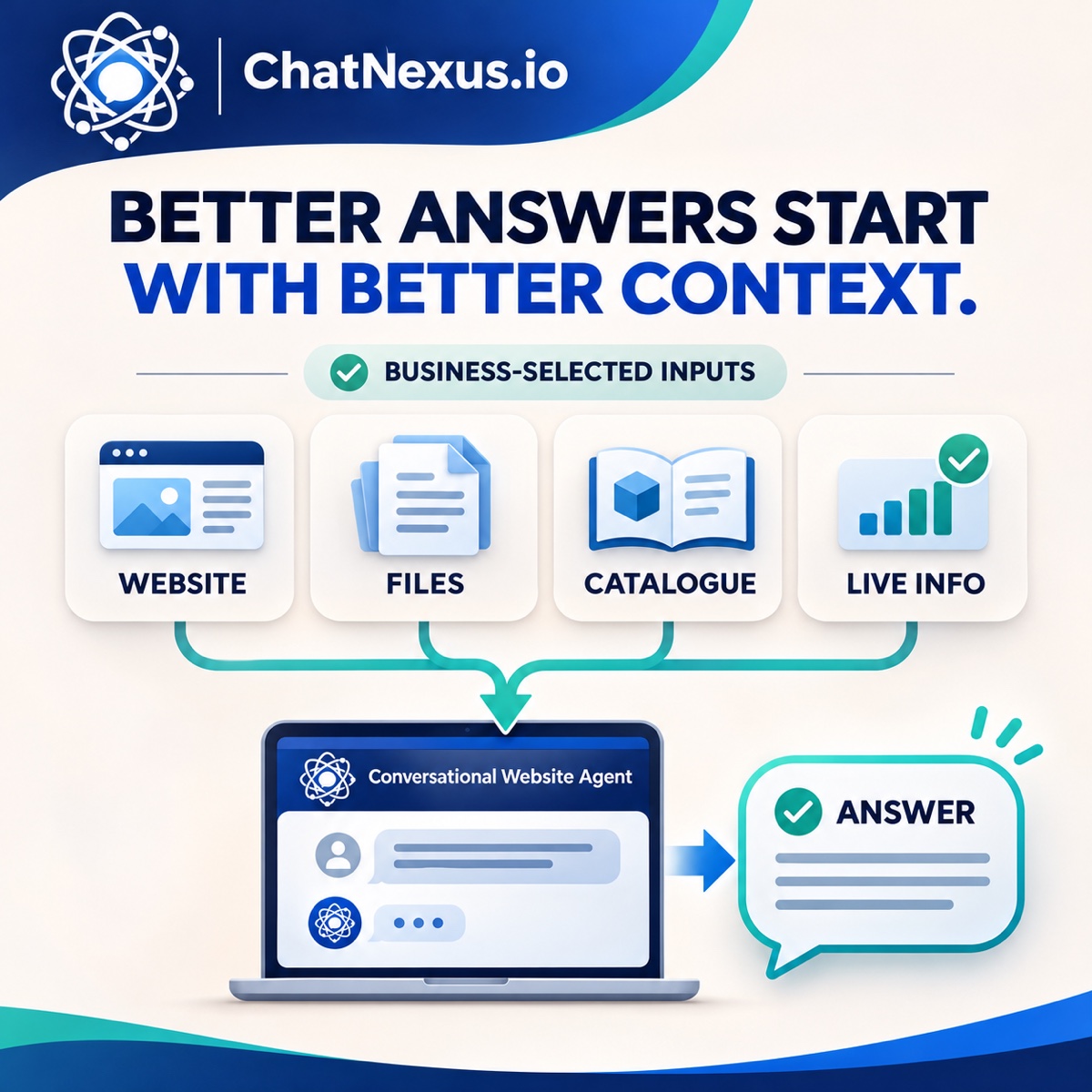
Bring approved pages, documents and business information into one answer experience.
Knowledge base chatbot guide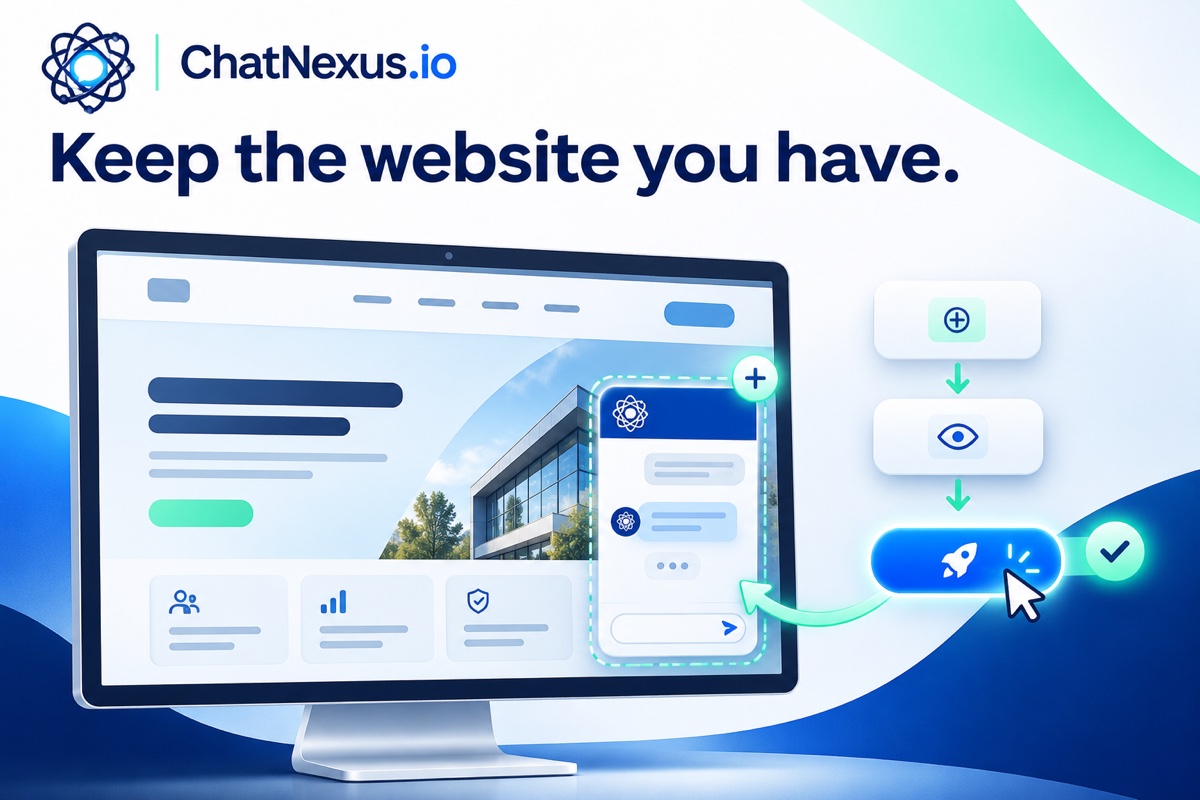
Prepare approved sources, copy the right embed, publish it through your site platform, then test the live experience.
Website chatbot setup guide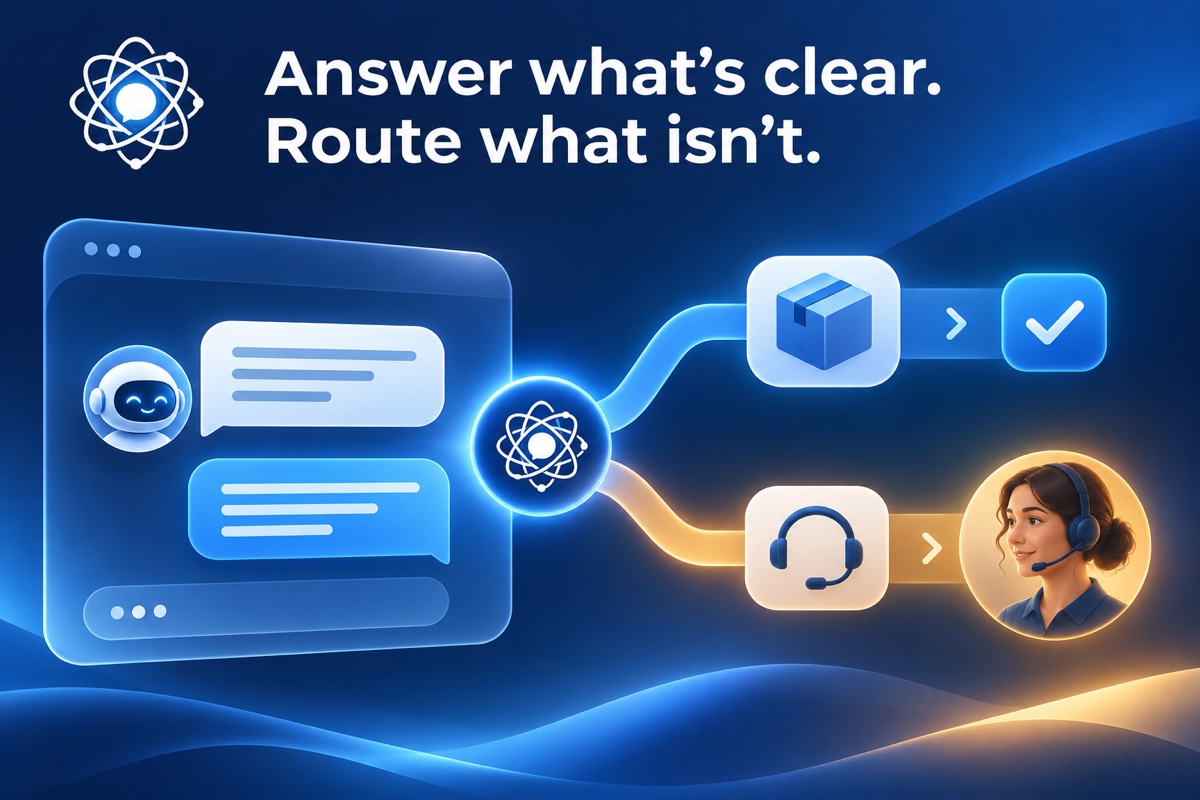
Resolve repeat questions and pass the conversation on with the context already gathered.
Support handoff guideTHE FULL LIBRARY
Search all guides or filter by the job they help you solve.
64 guides in the library
Shopify visitors need fast help with products, policies and purchase decisions before they abandon a store.
Read guideGuide product discovery, answer policy questions from current sources, and route stock or order requests only when the right live systems are connected.
Read guideA website chat widget has seconds to earn attention. Its placement, prompts and behaviour need to feel like part of the experience rather than an interruption.
Read guideQualify the service, check configured availability, confirm the details and give exceptions a clear route to the team.
Read guideEvent websites receive repetitive questions about schedules, eligibility, tickets, access and what attendees need to do next.
Read guideBuild a website FAQ chatbot from real customer questions, keep answers tied to trusted sources and give changing or sensitive requests a clear next step.
Read guideCompare answers, boundaries, handoff, no-code setup and plans with the same five real customer questions.
Read guideLearn when voice makes a website conversation easier, how to keep text available and what to test before launch.
Read the website voice guideCan you embed a custom GPT on your site? Compare a ChatGPT GPT link, an API-built assistant and a no-code website agent before you choose.
Read the ChatGPT website chatbot guideCompare generic FAQ bots with assistants tailored to business knowledge, customer workflows and human handoff, then choose a practical rollout path.
Read guideA free chatbot is most valuable when it lets a team test a real customer problem, rather than merely place a generic widget on a page.
Read guideCompare the current Free, Pro and Business plans, their message and AI-credit limits, and the setup and review work behind the subscription.
Read guideInstalling a chatbot is the easy part. A useful launch depends on preparing the right knowledge, deciding what the assistant should do and testing real customer questions before people rely on it.
Read guideA no-code builder should help a team publish a useful assistant quickly without hiding the work that makes answers trustworthy.
Read guideExplore practical conversation patterns and five starter questions visitors can tap to begin.
Read guideChatbot ROI is easier to understand when the team starts with one customer outcome and a transparent baseline—not a vague promise of automation.
Read guideSee a quote conversation qualify a visitor before asking for contact details, then give sales the context for a useful follow-up.
Read guideHelp visitors evaluate fit, answer objections with sourced details, and capture qualified follow-up without pressure.
Read guideB2B visitors often need enough context to decide whether a conversation with sales is worth their time.
Read guideCompare setup effort, source quality, lead capture, booking limits and support, then launch one useful workflow and measure what changes.
Read guideGuide new users through meaningful setup milestones, answer from current product documentation and flag account-specific actions that need secure access.
Read guideEducation websites carry dense information about programmes, admissions, schedules and support. A chatbot can make it easier to navigate without making decisions on a learner’s behalf.
Read guideFinancial-services chat needs especially careful source control, privacy practices and escalation rules.
Read guideHome-service visitors often need a fast answer about coverage, urgency and the next step. Chat can organise that first conversation for the team.
Read guideInsurance visitors often arrive with a narrow question but need an accurate path to a qualified person or official process.
Read guideLaw firm chat should make initial contact clearer while maintaining a firm boundary between information and legal advice.
Read guideLogistics chat can make shipment, service and documentation information easier to access while keeping live operational decisions with authorised teams.
Read guideManufacturing buyers and customers need precise product, specification and service information before a technical conversation.
Read guideAgency sites attract prospects with very different needs, budgets and levels of readiness. Chat can turn that ambiguity into a useful brief.
Read guideNonprofit websites need to help donors, volunteers, beneficiaries and partners find different paths without overwhelming them.
Read guideGuests make decisions around availability, amenities, locations and policies. Chat can answer the first questions that determine whether they continue.
Read guideSeparate buyer, seller and rental enquiries, answer from current listing data, and pass viewing requests to the right agent with useful context.
Read guideRoute coverage, pricing and quote questions; collect the details a team needs; and set clear limits around scheduling, urgent requests and handoff.
Read guideA dental practice chatbot can answer routine administrative questions and guide patients toward the right appointment path.
Read guideA healthcare website chatbot should make non-clinical information easier to find while avoiding diagnosis, treatment advice or urgent-care delay.
Read guideAn HR knowledge-base chatbot can reduce the time employees spend searching for approved policy information, provided access is properly controlled.
Read guideProperty-management websites serve residents, prospective tenants and owners with different needs. Chat can clarify the first route without exposing private account information.
Read guideRecruitment chat can make job information, application steps and candidate support easier to access without screening people unfairly.
Read guideAnswer menu and hours questions from current sources, direct guests to reservations and route allergen or availability questions to staff when needed.
Read guideUniversity sites often contain the answer a visitor needs, but it can be spread across programmes, admissions, financial support and campus life.
Read guideAPI integration can make a chatbot more useful when visitors need timely, authorised information rather than a static answer.
Read guideIntegrations expand what a chatbot can do, but every connection needs a clear customer purpose and a secure boundary.
Read guideMap useful lead fields, distinguish capture from CRM sync, respect consent and plan for duplicate, rejected or failed deliveries.
Read guideLive data can help a website chatbot answer questions about availability, status or changing business information—provided the source, permissions and failure paths are clear.
Read guidePDFs often contain valuable product, policy and technical information, but visitors rarely enjoy searching them. A chatbot can make approved documents easier to use.
Read guidePrepare trusted pages, choose the right source for each fact, test real customer questions and keep answers current.
Read guideMap customer questions to owned sources, keep changing facts current and test real answers before you publish.
Read guideSee how retrieval uses indexed business content, why it can still be wrong, how it differs from model training, and when live data connections are needed.
Read guideReview source boundaries, visitor data, prompt-injection tests, safe uncertainty and the provider questions to settle before launch.
Read guideA city chatbot should help people understand public information and participate more easily. It should not turn a planning decision, policy judgement, or emergency response into an automated promise.
Read guideCompare where AI can answer from approved sources, where a person needs to use judgment, and how to design a clear handoff between the two.
Read guideUse approved answers for routine questions, protect account-specific requests, hand off exceptions clearly and measure whether customers get resolved help.
Read guideMeasure answer coverage, completed tasks, handoff quality and customer effort with clear definitions, honest denominators and useful review loops.
Read guideSet clear escalation triggers, choose a live transfer or follow-up, and pass along a useful summary without collecting unnecessary details.
Read guideSaaS websites need to help two audiences at once: buyers evaluating the product and users trying to succeed with it.
Read guideA polished Webflow site should not leave high-intent visitors alone when they need context before a decision.
Read guideWix owners can use AI chat to make a straightforward website more responsive without making their operations complicated.
Read guideWordPress teams can add an AI assistant without turning their site into another plugin-management project.
Read guideLanguage support is valuable only when the assistant can preserve meaning, policy and tone across the conversations your customers need.
Read guideA white-label chatbot can become a valuable agency offer when the client experience, source ownership and support boundaries are clear.
Read guideA chatbot's voice should make a customer feel oriented and respected—not make the brand sound like it is performing a personality.
Read guideA useful tone prompt is a compact operating brief. It tells the assistant how to communicate without asking it to hide uncertainty or imitate a person.
Read guideIn customer service, tone cannot compensate for an inaccurate answer or a broken handoff. It can, however, make a truthful answer easier to understand and act on.
Read guideA greeting has one job: help a visitor start the right conversation with minimal effort. It should not pretend to know how they feel before they have said anything.
Read guideNo guides match that search. Try another phrase or choose “All”.
READY TO SEE IT?
See a question move through a floating website assistant, inline chat and other delivery patterns.